1
Launch threads
Give the main announcement a clear image that remains attached to reposts.
Images for Twitter Cards
Use one HCTI og:image pattern across your site. Each page supplies its own metadata, and HCTI keeps the matching Twitter image current without a separate image-generation request.

HCTI @example · 1h
New: dynamic preview images that stay in sync with every page.
htmlcsstoimage.com
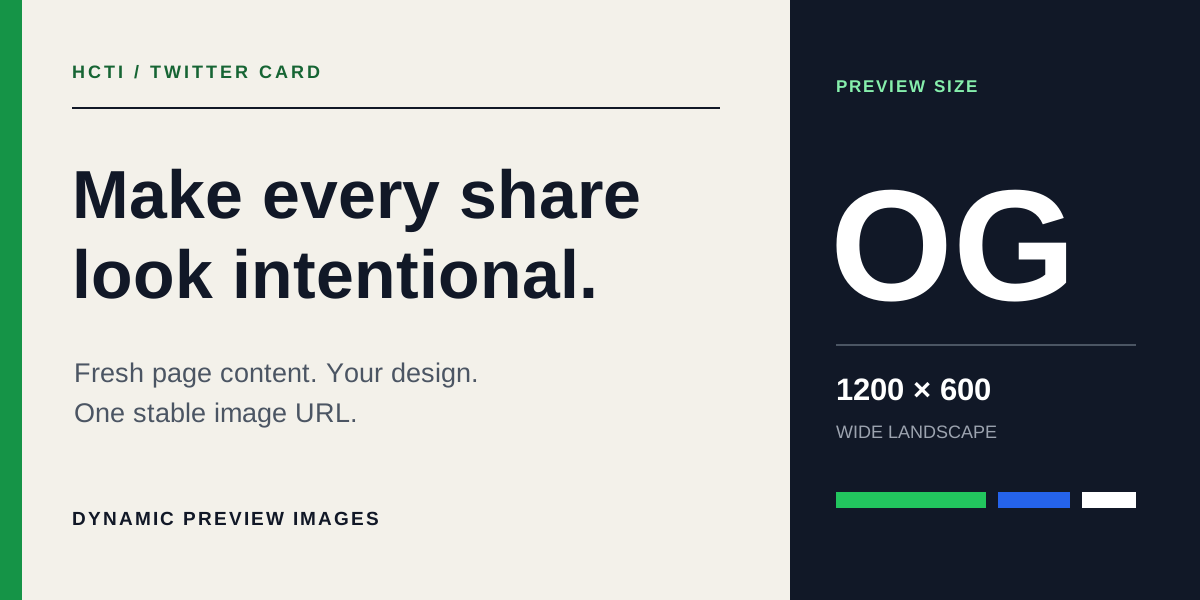
Make every share look intentional
Generate the right Twitter Card image from each page's metadata.
24 replies · 81 reposts · 406 likes
Built for fast timelines
Twitter Cards combine a compact post with a wide preview. Use the image and card title to explain the linked page without turning the post itself into a summary.
Give the main announcement a clear image that remains attached to reposts.
Pair current headlines with a preview created from the latest page content.
Make releases, documentation, and technical posts easy to distinguish.
Metadata recipe
Point twitter:image at the HCTI URL for the current path, then use hcti:selector on that page to choose the element HCTI captures.
<meta name="twitter:card" content="summary_large_image">
<meta name="twitter:image" content="https://hcti.io/v1/og/{YOUR_DOMAIN_ID}/product-launch">
<meta property="hcti:selector" content="#social-card">
<head> before a crawler loads it.If your firewall filters bots, allow requests whose user agent contains Twitterbot.
See the image and text Twitter can use when someone shares your page.
How it works
The public URL stays simple while HCTI reads the page, creates the image, and reuses it until the inputs change.
Use your HCTI domain ID and append the current page path. No API key or per-page image URL needs to be published.
On refresh, HCTI fetches the requested page and reads its hcti: screenshot options or html:tv: template values.
HCTI creates the image when the resolved screenshot or template inputs change, then caches and serves it to link-preview crawlers.
Fresh when it matters
HCTI checks page metadata separately from generating the image. Unchanged screenshot or template inputs reuse the existing render; changed inputs create the next image.
Choose how often HCTI may check each page for updated meta tags. Origin cache headers and ETags can avoid unnecessary work.
HCTI hashes the resolved screenshot or template inputs so unchanged pages return the image that already exists.
Use one image everywhere, fit one render into recognized preview sizes, or render with a platform-specific viewport.
Link preview platforms
The same Open Graph image URL can serve many crawlers. Explore focused guidance and recommended preview dimensions for common platforms.
Ready for better link previews?
Add one stable OG image URL pattern, keep the supported meta tags on each page, and let HCTI handle rendering and reuse.
Related features
Learn about related options for image and PDF generation, storage, security, and team access.